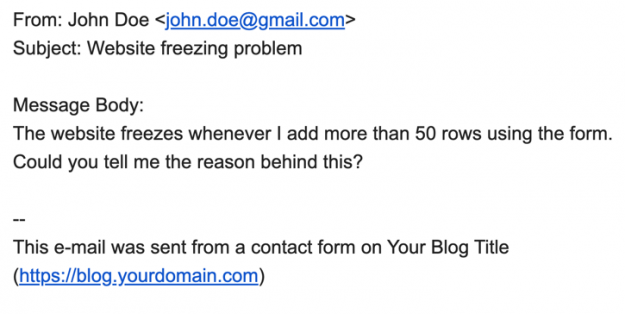
Contact Form 7 (CF7) includes a simple way for you to receive all the information submitted in your forms directly in your email inbox. In this article, we show how to add the submitted form information in your Contact Form 7 emails. Using submitted form data in your CF7 emails You can add all the…
Check your forms for error messages A simple way to find out whether or not your form is working is by checking the error messages. The different error messages are: 1. Green bordered success message: You receive a message with a green border when your form is submitted successfully. This message looks like: Tip: Sometimes…
Adding placeholders to your Contact Form 7 (CF7) forms offers the following advantages: Make it easier for users to understand the info required in your form Include detailed examples in each form field Supplement shorter information given in form field labels. In this article, we show you how to add placeholders in your Contact Form…
The Contact Form 7 (CF7) plugin successfully sends millions of emails every day. Still, many do not send or arrive. What you put in the From: field can determine if your CF7 email is sent and received. A simple and effective way to avoid most problems is to always use an email address that belongs…