Initial development of the experimental Form Block does not include a unique form id for each form block. Several comments on this initial development discuss the need for a suitable form id. Existing form plugins all generate a unique form id for each form. This unique form id is used for several purposes which require targeting of individual forms on a post or page.
Table of Contents #
- Form ID Suggestion
- Form Plugin Analysis Results
- Why unique form ids are helpful
- Form Plugin Analysis
- Form Block
- Pull Request
Form ID Suggestion #
After looking at the range of form id’s used by the existing form plugins I reached the following conclusions:
- All plugins generate a unique form id for each form
- Most commonly form ids are built from 3 parts separated by ‘-‘
- ‘wpf’ is suitable as starting part (WordPress Form)
- 3 random generated characters are suitable following parts
- Most form plugins add the form id in the mail html form tagForm Tag Form Tags in Contact Form 7 (CF7) (in the Form Tab) are used to define all CF7 form fields. Each Form Tag is replaced with an HTML element, which represents an input field, when it is displayed in an actual form.
- Some form plugins extend the form id to include a page or tab number e.g. ‘wpf-###-###_p1’
I suggest using <form id= “wpf-###-###”> for each form & saving this in the block attributes.
This follows the characteristics identified from detailed analysis of form id’s used by existing popular form plugins in WordPress Plugin Directory.
Form Plugin Analysis Results #
I did a detailed analysis of form id’s used by existing popular form plugins in WordPress Plugin Directory.
The selected form plugins use the following form id’s:
- <div id = wpf7-f337-p95-o1> – Contact Form 7
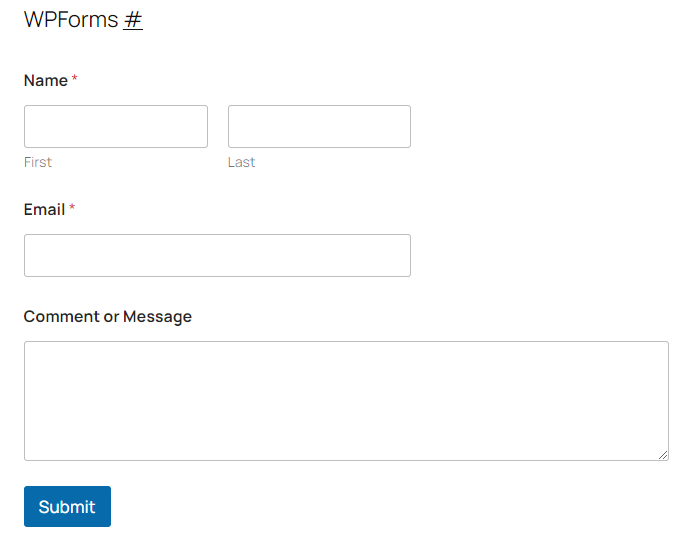
- <form id= “wpforms-form-93”> – WPForms
- <div id=”contact-form-20830″> – Jetpack Form
- <div id=”nf-form-3-cont”> – Ninja Forms
- <form id=””forminator-module-445> – Forminator Forms
- <form id=”fluentform_4″> – Fluent Forms
- <form id=”form_contact-form”> – Formidable Forms
- <div id=”wpcf7-f339-p95-02″> – CF7 Skins
- <form id=”ws-form-1″> – WS Form
Why unique form ids are helpful #
Adding a unique ID attribute to the form tag is a very common and generally recommended practice in HTML. While a form can function without an ID, including one unlocks several capabilities.
Form submission handling: When handling multiple forms on a page, unique IDs help distinguish which form triggered a submission event.
Form relationships: A form ID helps maintain proper relationships between form elements and ensures each form instance is uniquely identifiable in the DOM.
JavaScript DOM manipulation and targeting: Adding a unique ID to a form makes it easy to target in JavaScript, using methods like document.getElementById('yourFormId').
Accessibility: Screen readers and assistive technologies can use form IDs to associate form controls with their labels and to navigate between forms.
CSS Styling: A unique form ID allows you to apply unique styles to a particular form that shouldn’t affect any other forms on the page.
Analytics and tracking: Unique form IDs make it easier to track form interactions and completions in analytics tools.
Form Plugin Analysis #
Let’s look before we leap
It’s worthwhile to consider what has been done in the past before writing any code for Form ID for the Form Block.
We should look at:
- what’s commonly been done in the past in existing form plugins
- what’s been done so far in the Form Block.
I did a detailed analysis of form id’s used by existing popular form plugins in WordPress Plugin Directory I selected plugins from a range of Active installs:
- 1+ million
- 100,000 – 1+ million
- 5,000 – 50,000
Existing Form Plugins (ordered by Active installs)
- Contact Form 7 – 10+ million
- WPForms – 6+ million
- Jetpack Form – 4+ million
- Ninja Forms – 700,000+
- Forminator Forms – 700,000+
- Fluent Forms – 500,000+
- Formidable Forms – 300,000+
- CF7 Skins – 20,000+
- WS Form – 8,000+
- Form Block
Contact Form 7 #

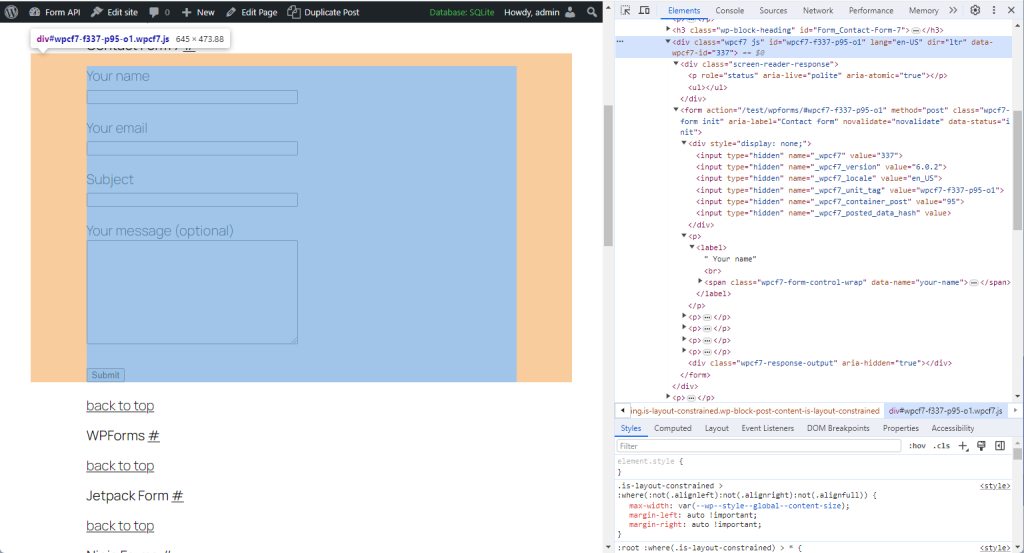
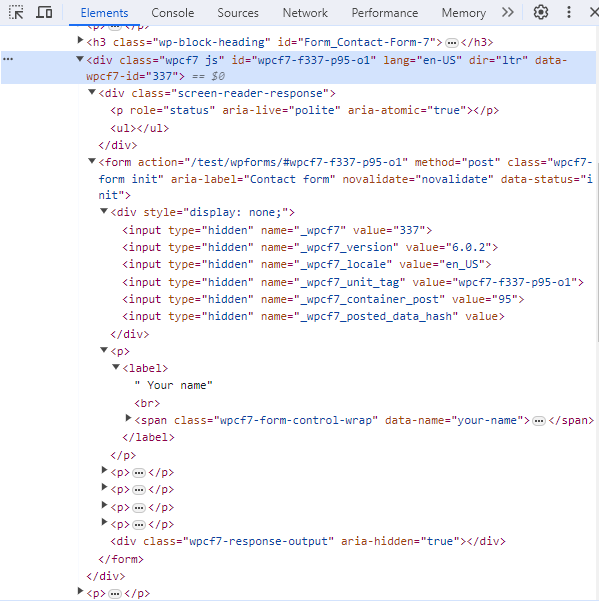
<div id = wpf7-f337-p95-o1 >
WPForms #
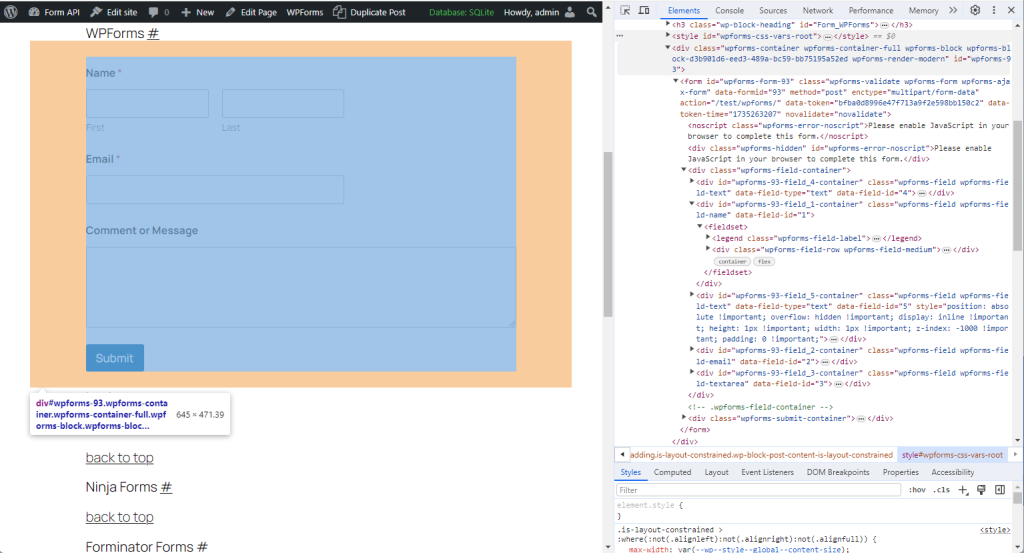

<styleStyle When you select a CF7 Skins Style the aesthetic design (CSS code) is automatically created and applied to your form. id =”wpforms-css-vrs-root” >

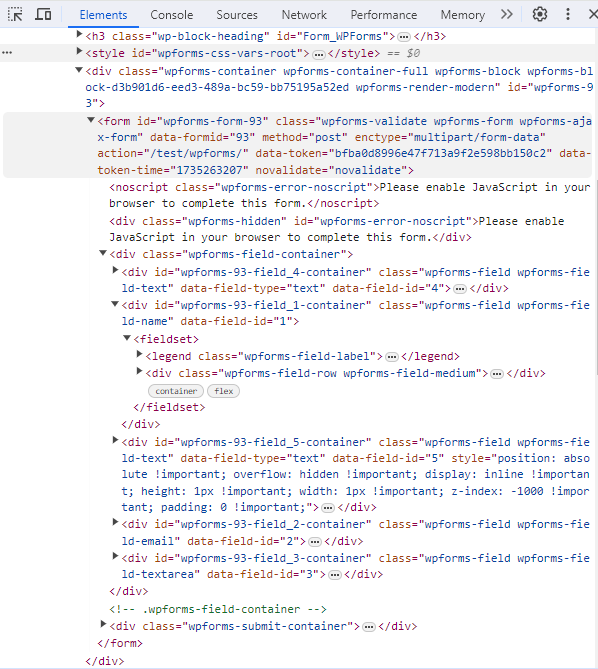
<form id= “wpforms-form-93” >
Jetpack Form #
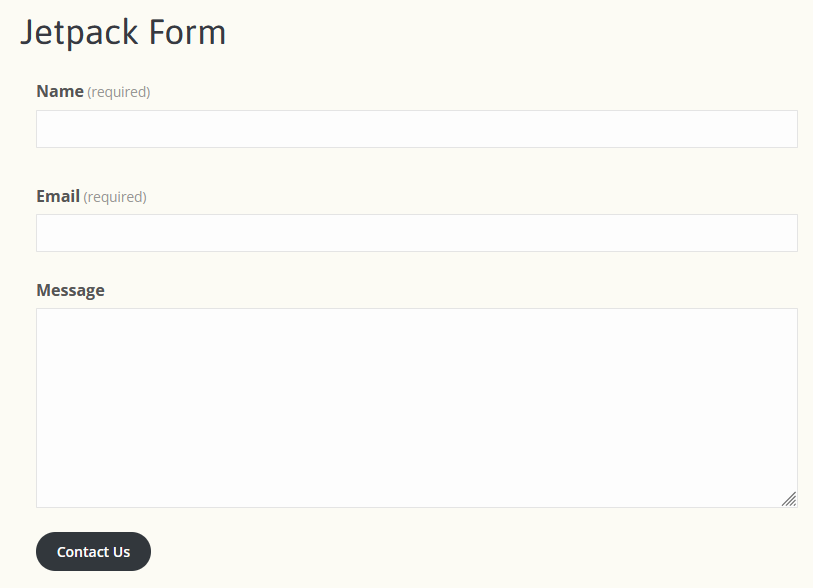
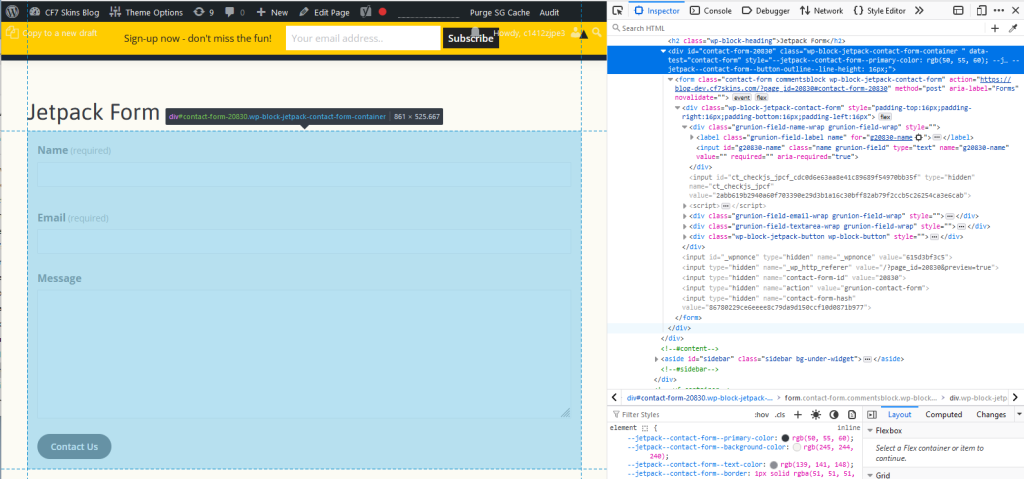
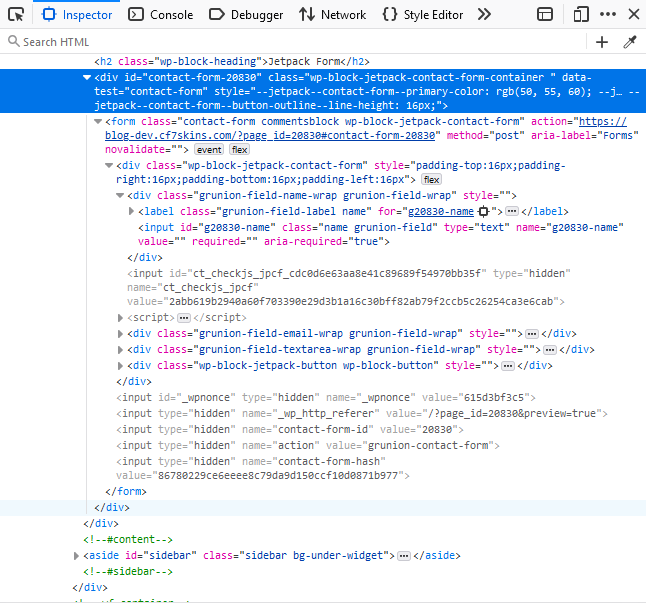
<div id=”contact-form-20830″ >
Ninja Forms #
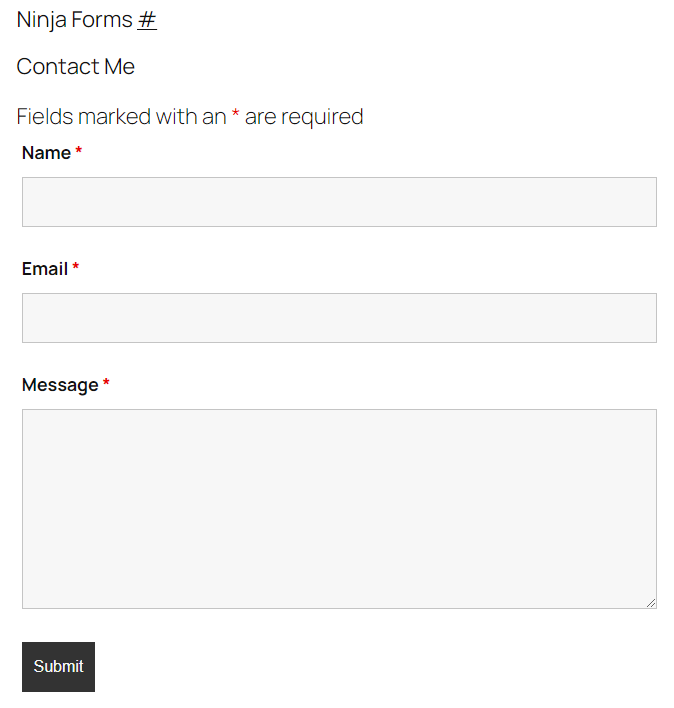

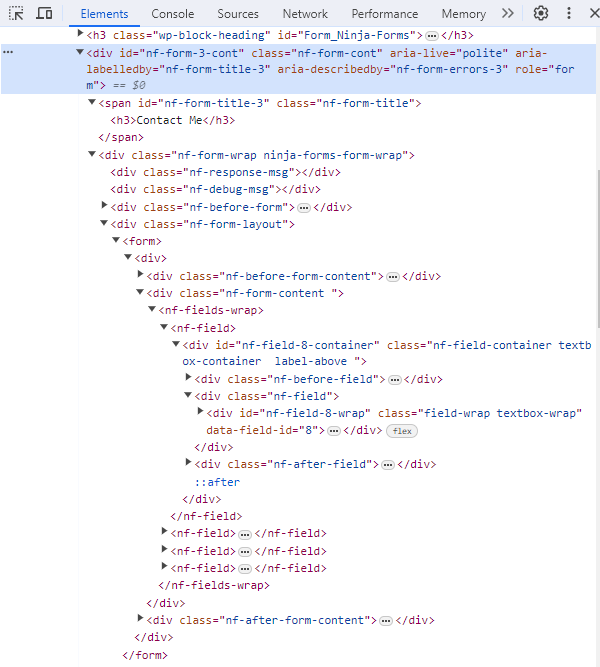
<div id=”nf-form-3-cont”>
Forminator Forms #

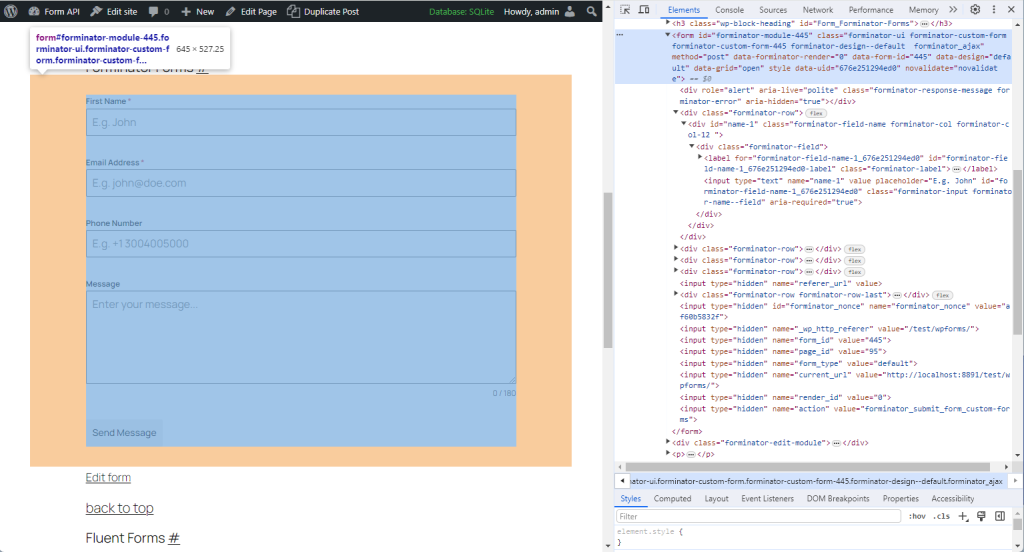
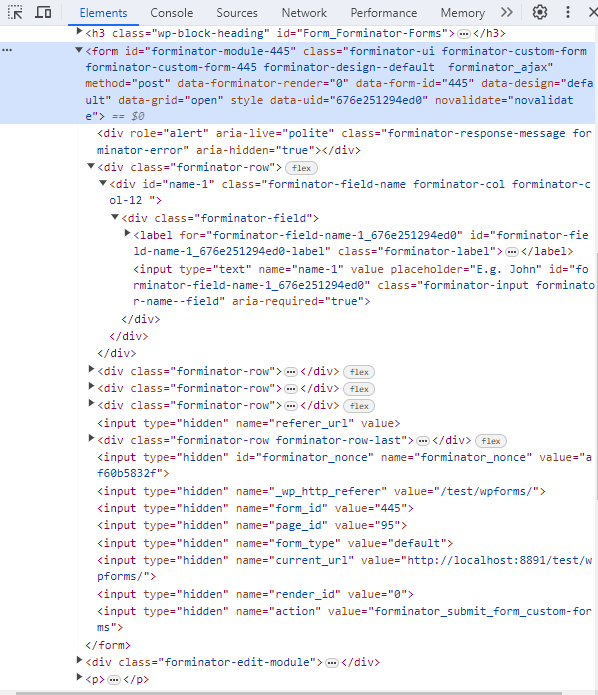
<form id=””forminator-module-445>
Fluent Forms #
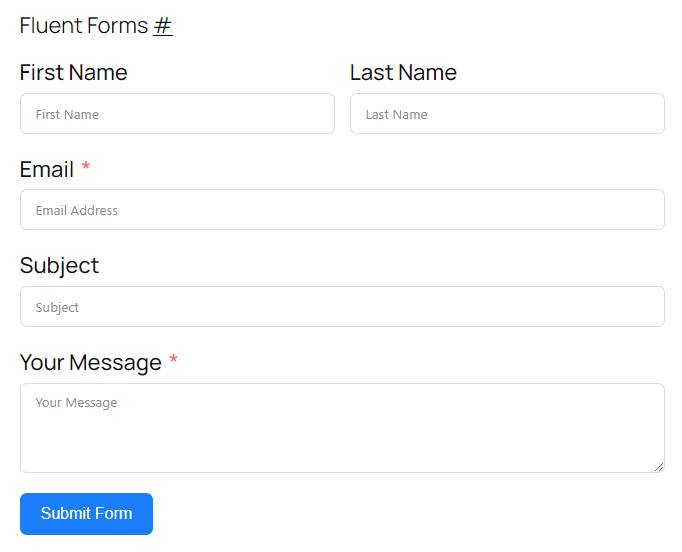
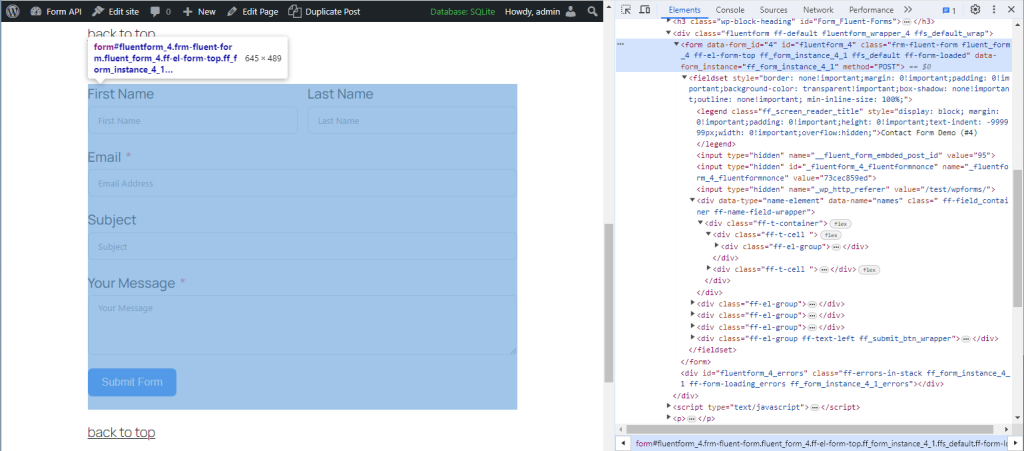
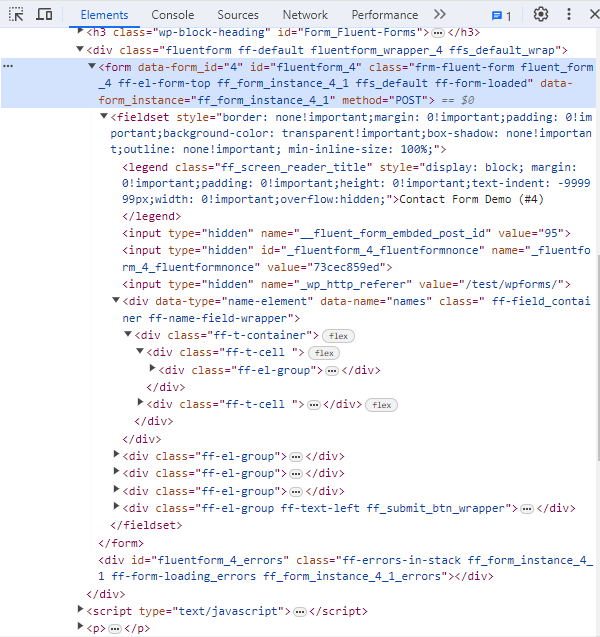
<form id=”fluentform_4″>
Formidable Forms #
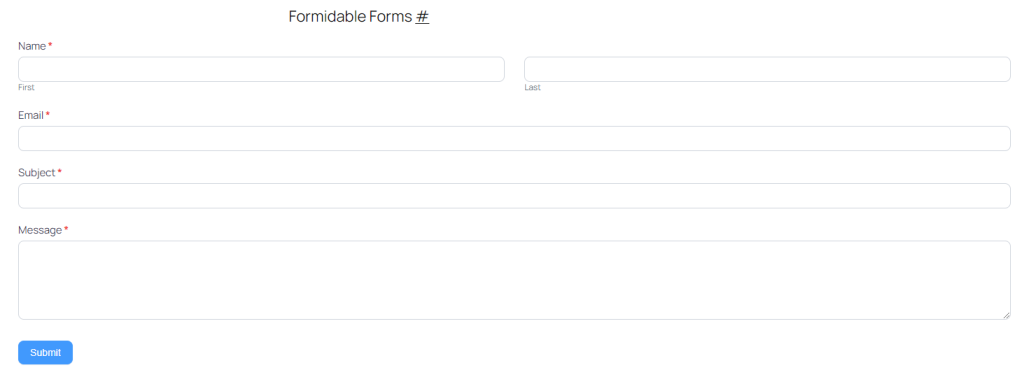
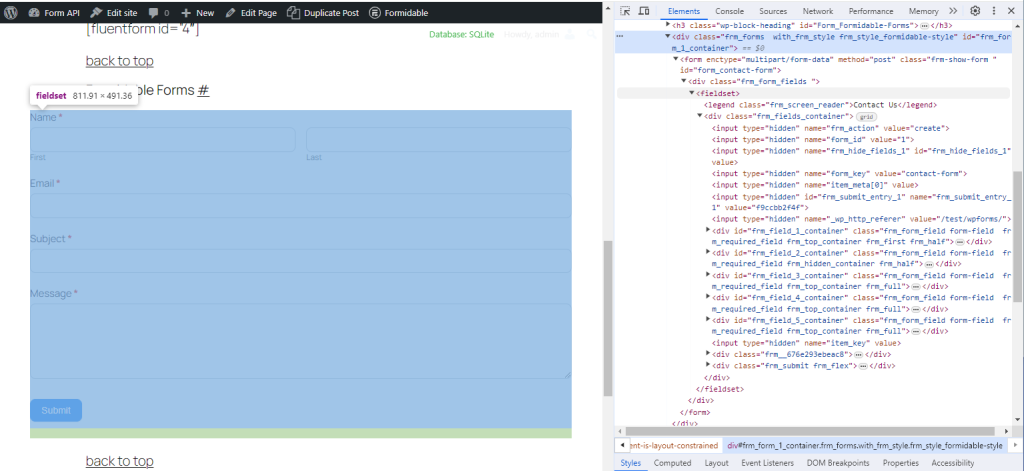
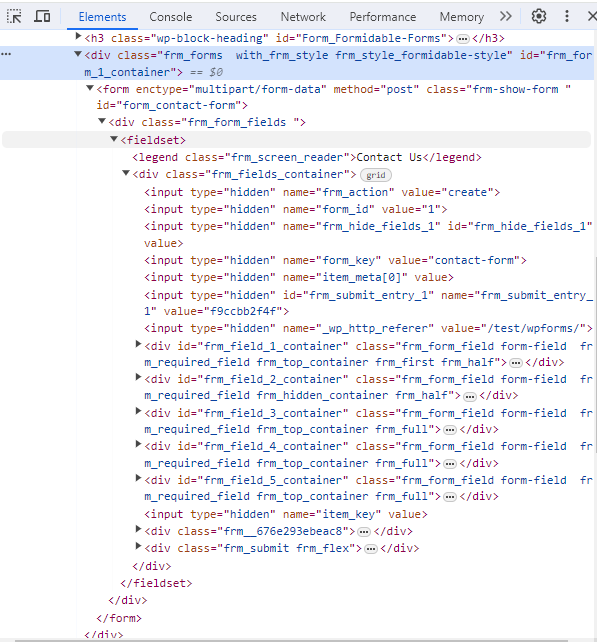
<form id=”form_contact-form”>
CF7 Skins #
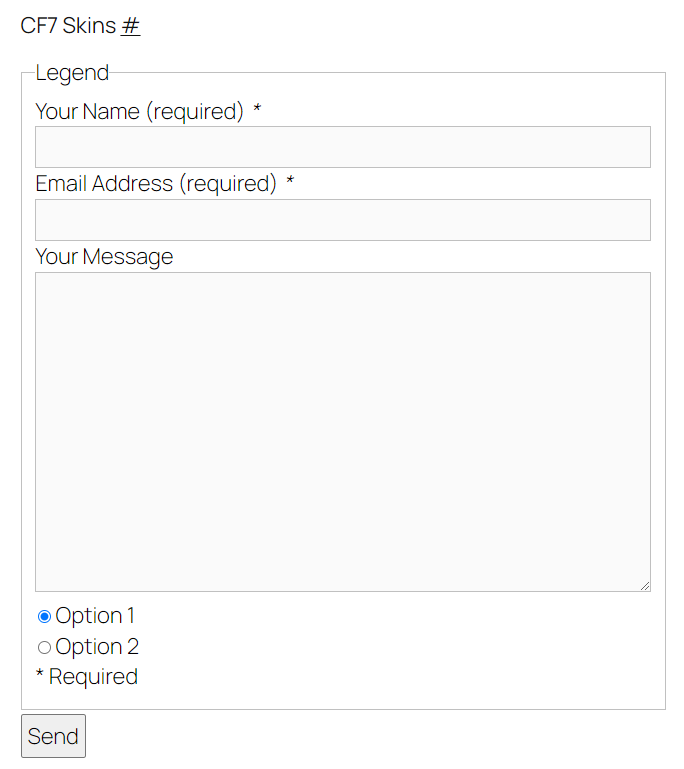
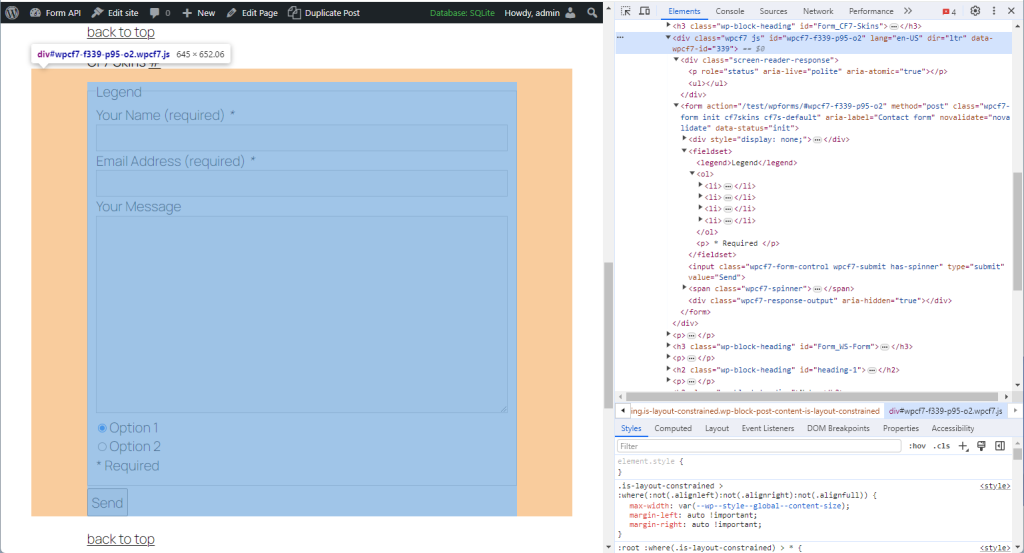
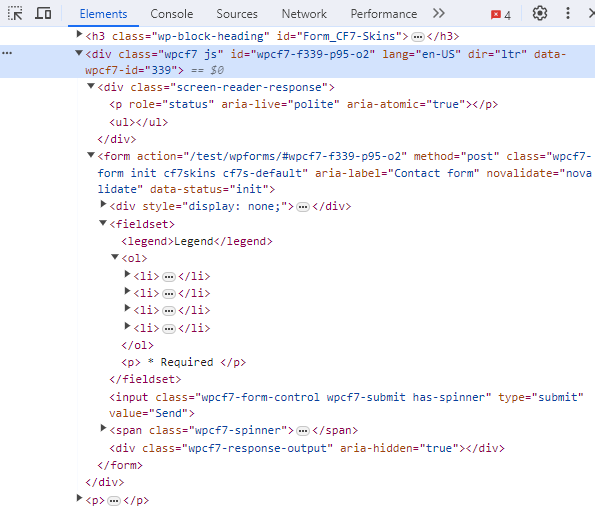
<div id=”wpcf7-f339-p95-02″>
WS Form #
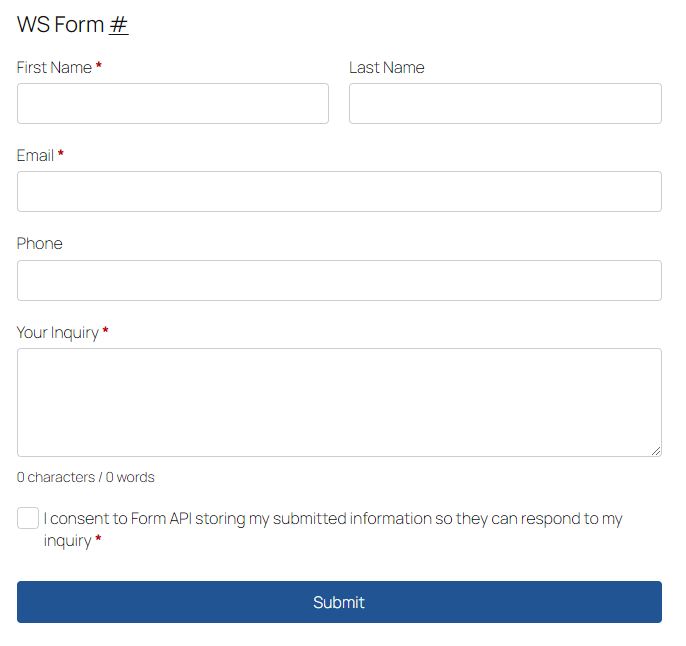
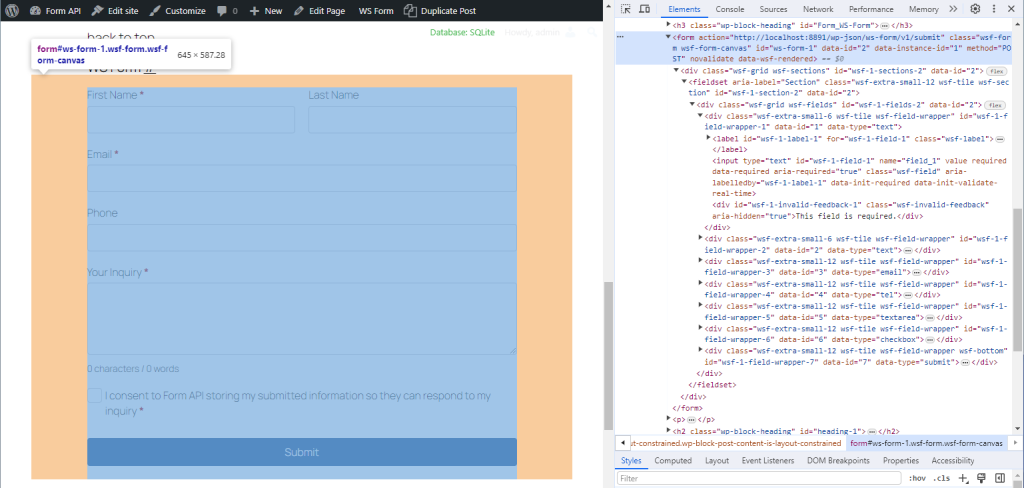
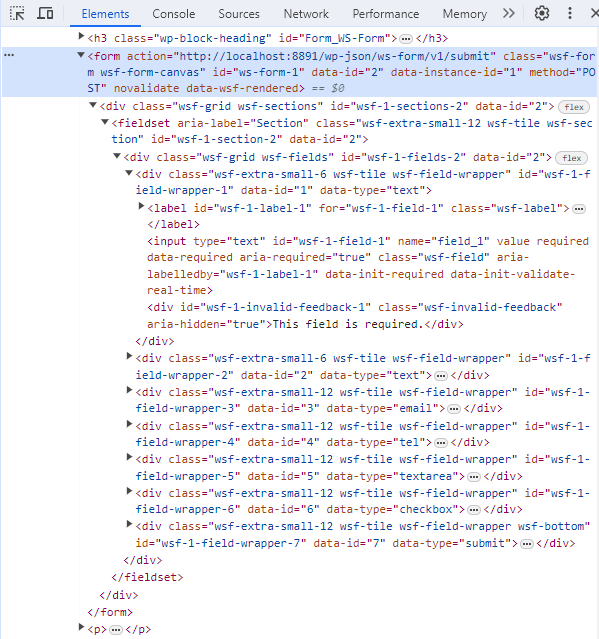
<form id=”ws-form-1″>
Refer: WS Form – HTML Form Attributes
WS Form automatically assigns IDs to forms and fields to ensure all IDs are unique and to ensure that all functionality provided by the plugin works as intended.
Form Block #
Frontend
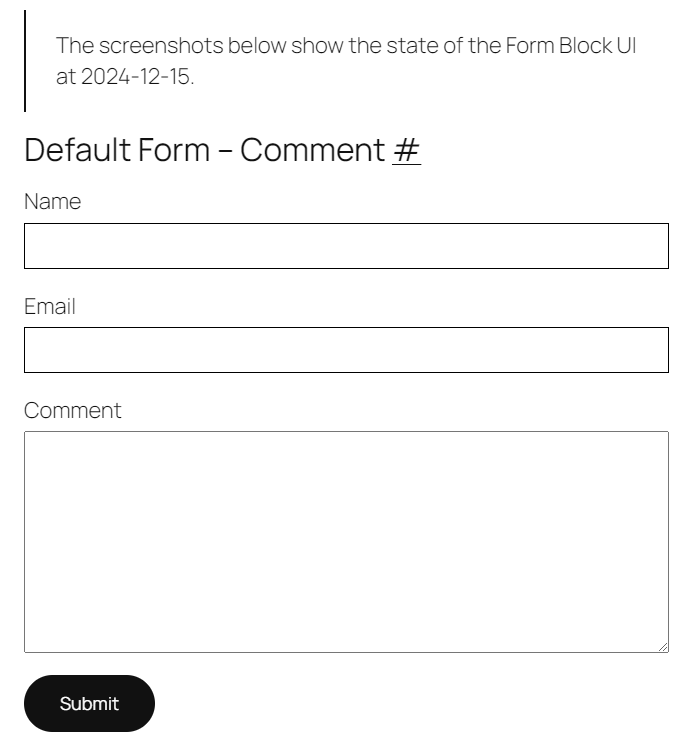
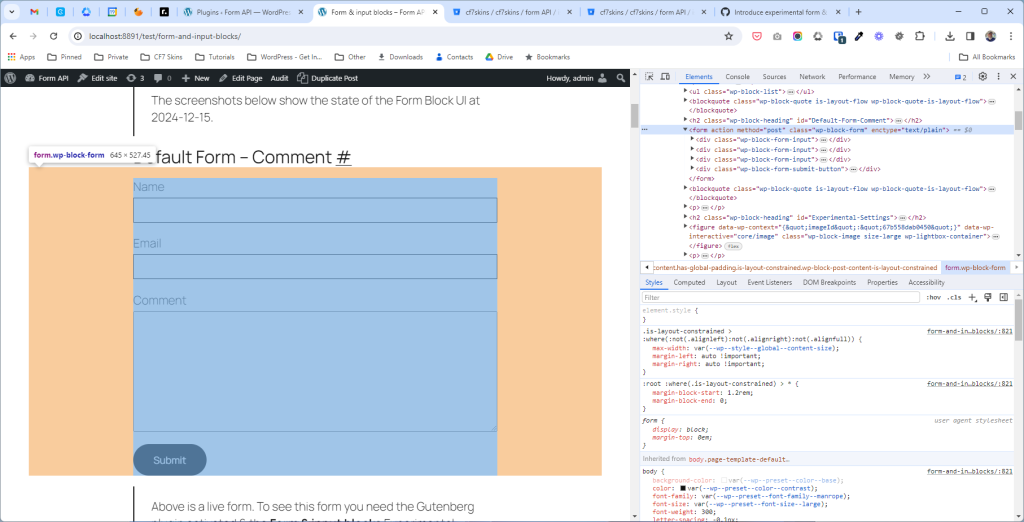
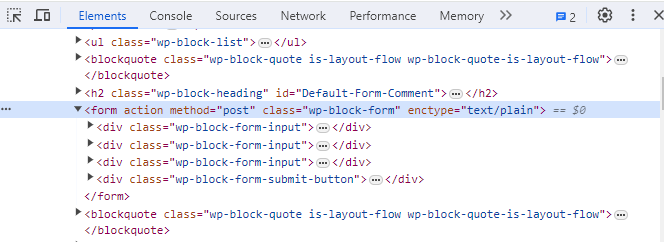
<form action="" method="post"
  class="wp-block-form" enctype="text/plain">
  ...
</form>
Backend
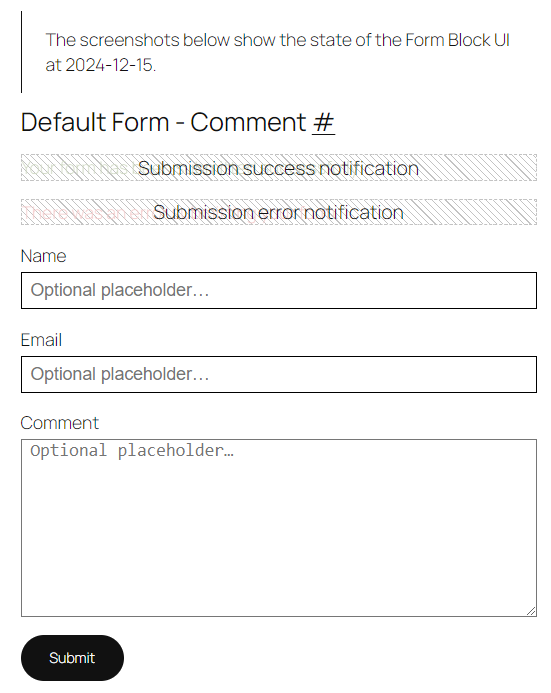

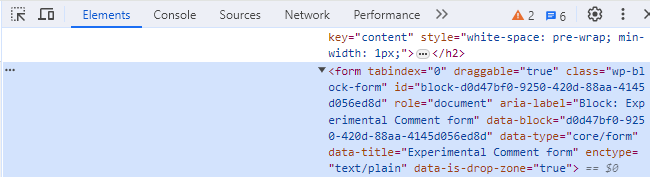
<form tabindex="0" draggable="true"
  class="wp-block-form"
  id="block-d0d47bf0-9250-420d-88aa-4145d056ed8d"
  role="document"
  aria-label="Block: Experimental Comment form"
  data-block="d0d47bf0-9250-420d-88aa-4145d056ed8d"
  data-type="core/form"
  data-title="Experimental Comment form"
  enctype="text/plain" data-is-drop-zone="true">
  ...
</form>Pull Request #
- Add unique form id to form block #70072 – Pull Request
- Add unique form id to form block #70071 – Issue