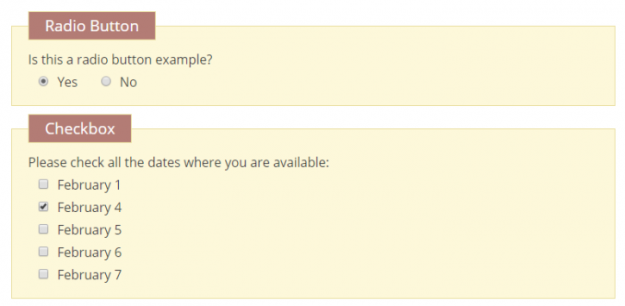
Checkboxes and radio buttons are preferred in many forms to show different options available to the users quickly. You can make better checkboxes & radio buttons for your Contact Form 7 (CF7) forms by understanding how to use them and the different types of modifications available. In this article, we show you how to create…
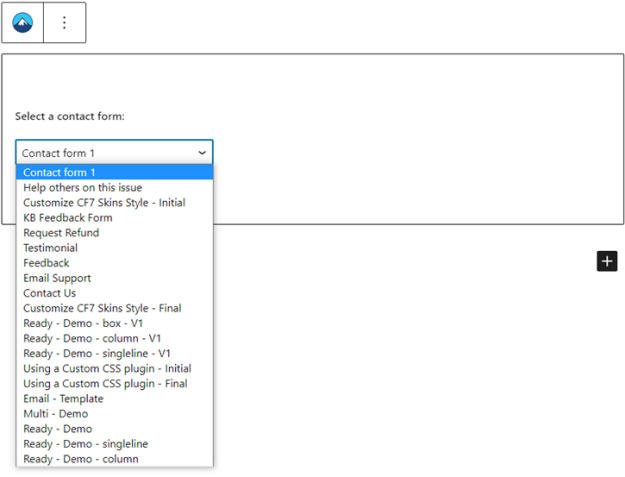
You can easily add a Contact Form 7 (CF7) form to a page or post using the WordPress Gutenberg/Block editor. However, sometimes you might not find your intended form in the selector menu of the block. If you face this issue, no need to worry. There’s an easy workaround to it. This article will show…
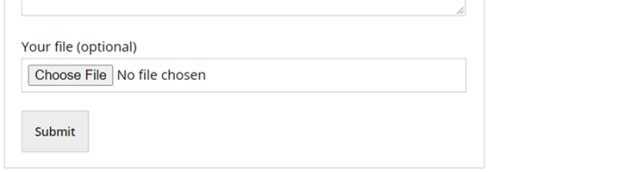
You can use the file attachment field of Contact Form 7 (CF7) to let users upload files in your website. This may be useful to display profile pictures for social interaction-based websites, to store CVs and cover letters for job search-based websites, or upload student submissions for a school website. In addition to file upload,…
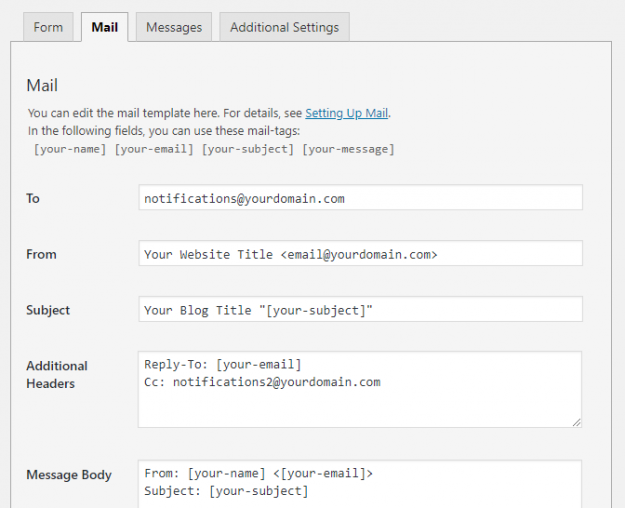
In Contact Form 7 (CF7) you need to use the Mail tab to configure the form to send an email every time your users submit a form. However, setting up mail correctly in CF7 can be confusing & difficult for beginners. In this article, we show you how to set up mail in your Contact…
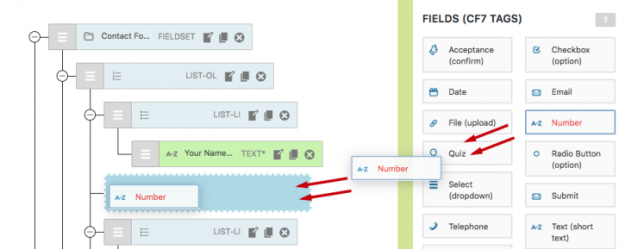
Contact Form 7 now features a new drag & drop visual editor, thanks to the latest release from CF7 Skins How could we make it faster and easier to create Contact Form 7 forms? We decided to give you the option to use a visual and interactive editor right within Contact Form 7 and CF7 Skins.…
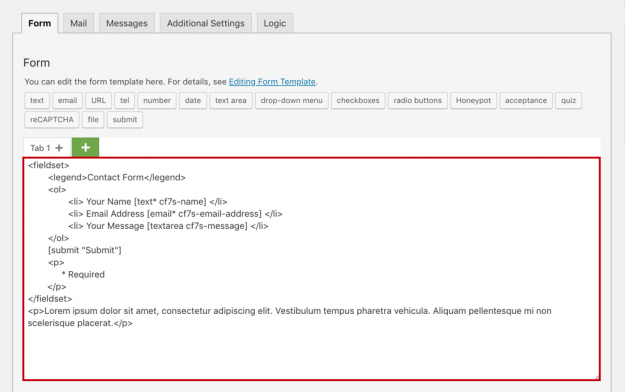
Just about every website needs a Contact Form to connect to its readers. Contact Form 7 (CF7) includes a default form template, but it is minimal and doesn’t give much help or guidance to new users. Contact Form 7 Skins, our free plugin available in the WordPress plugin directory has many free templates available such…
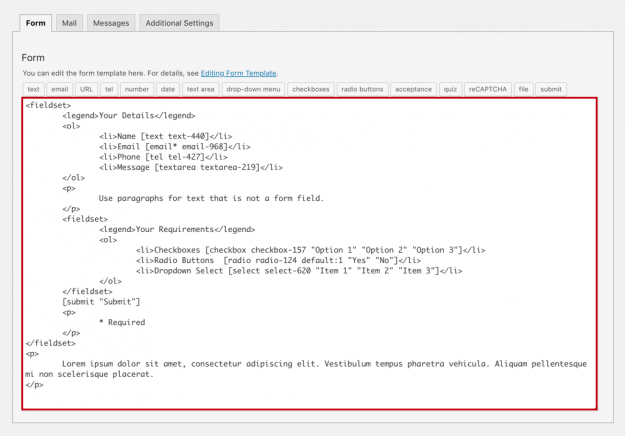
With our free Fieldset templateTemplate CF7 Skins Templates are the structure of your form, providing the content and layout. They act as an easy to follow guide that can be adjusted to your particular needs., you can create your own form with separate segments quickly. Contact Form 7 (CF7) includes a default form template, but…
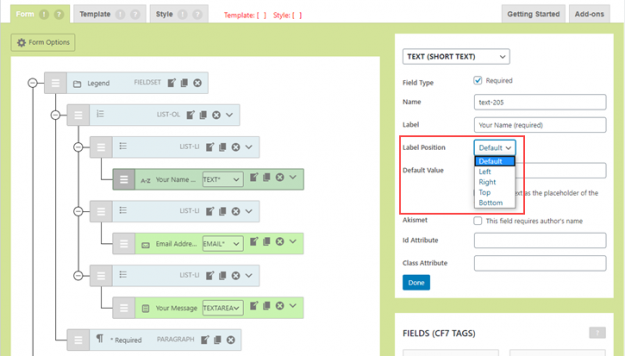
CF7 Skins Ready now offers you a Label Position option for each form field. Using this option, you can choose where to display a label with respect to a form field. In this article, we show you how to use the Label Positions option from the CF7 Skins Visual Editor quickly and easily. What’s New?…
Check your forms for error messages A simple way to find out whether or not your form is working is by checking the error messages. The different error messages are: 1. Green bordered success message: You receive a message with a green border when your form is submitted successfully. This message looks like: Tip: Sometimes…
Though the Contact Form 7 (CF7) plugin successfully sends millions of emails every day, there are a host of issues that can delay or stop emails on both the sending and receiving ends of a typical email. This article was set up to help people, who are having trouble sending and receiving emails from CF7,…