Contact Form 7 (CF7) users often like to display commonly used form fields like Name and Email side by side on a single line. However many people find this task challenging because they don’t have a detailed knowledge of HTML and CSS. CF7 Skins Ready, an add-on for our popular Contact Form 7 Skins plugin,…
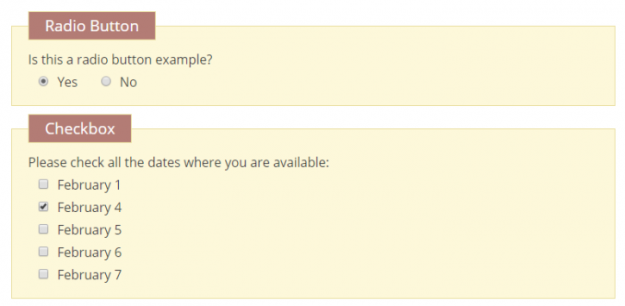
Checkboxes and radio buttons are preferred in many Contact Form 7 forms to show the users their available options. However, you may sometimes be confused about whether to add a checkbox or a radio button for a particular form field. In this article, we show you the differences between radio buttons and checkboxes and provide…
A GDPR checkbox is a way for your customers to consent to their form submission data being stored. Adding in any links, such as a link to a Privacy Policy or Terms of Use, clarifies why and how you are storing their data. Have a privacy-friendly acceptance checkbox by copying and pasting the code below.…
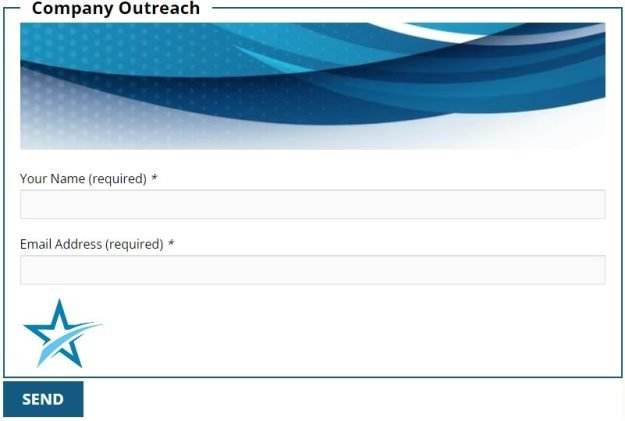
Adding a logo, image or a graphic to your Contact Form 7 (CF7) form helps maintain consistency across your website, promotes brand recognition and projects professionalism. In this article, we’ll guide you through how you can easily add any image to your Contact Form 7 form with the CF7 Skins Visual Editor. Adding Image to…
Checkboxes and radio buttons are preferred in many forms to show different options available to the users quickly. You can make better checkboxes & radio buttons for your Contact Form 7 (CF7) forms by understanding how to use them and the different types of modifications available. In this article, we show you how to create…
Sometimes, you may need to duplicate a Contact Form 7 (CF7) form on your current website to another website. Manually copying the form can be time-consuming and prone to human errors. Contact Form 7 Skins now offers a better way to duplicate a Contact Form 7 form across multiple websites by exporting it from one…
Starting from CF7 Skins Pro version 2.1, CF7 Skins introduces a new HTML element. You can use this item to easily add HTML Tags that you require in your form. In this article, we cover how you use the HTML element to add HTML tags in CF7 Skins forms quickly and easily. What’s New? The…
You can use the file attachment field of Contact Form 7 (CF7) to let users upload files in your website. This may be useful to display profile pictures for social interaction-based websites, to store CVs and cover letters for job search-based websites, or upload student submissions for a school website. In addition to file upload,…
You may want to redirect users to a thank you page after they submit a Contact Form 7 (CF7) form on your website. Before the end of 2017, you could do this using the on_sent_ok hook. However, the hook has now been deprecated and you cannot use it anymore to redirect users to a thank…
Once you start to add placeholders in your Contact Form 7 (CF7) forms, learning some different ways to use them, helps you to enhance your forms and ultimately your user’s experience. In this article, we teach you some different ways to use placeholders in your Contact Form 7 forms. Before you begin Before you start…