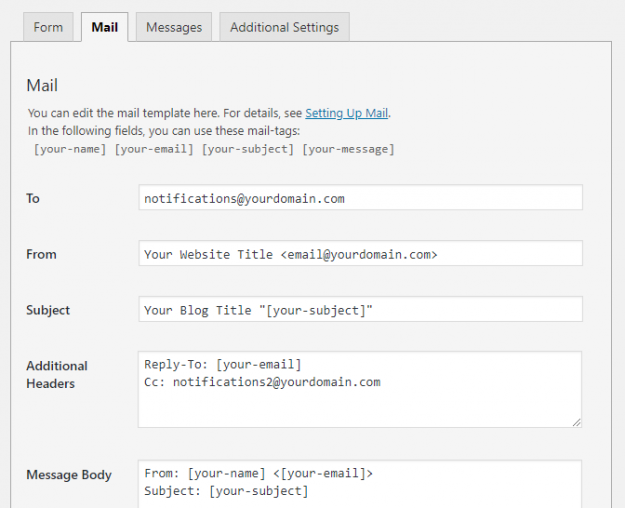
In Contact Form 7 (CF7) you need to use the Mail tab to configure the form to send an email every time your users submit a form. However, setting up mail correctly in CF7 can be confusing & difficult for beginners. In this article, we show you how to set up mail in your Contact…
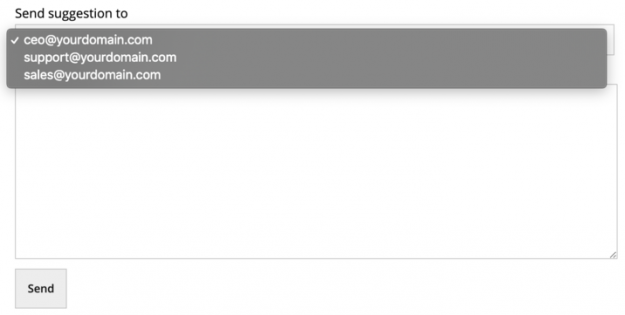
Sometimes, while designing a Contact Form 7 (CF7) form on your website, you may need to use selectable email addresses in your Contact Form 7 form. For example, assume that you are designing a suggestion form where users can select a specific department of your company to send the suggestion. Here, you can create a…
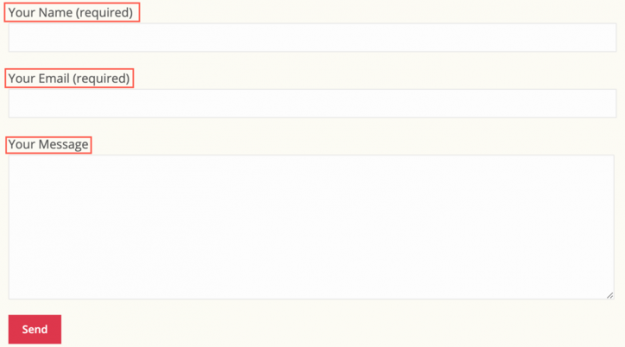
You can make your Contact Form 7 (CF7) forms more readable & easy to use by adding helpful text labels on each form field. Adding suitable text labels in your forms offers the following advantages: They help form users understand your form and let them know what is required in each field Clicking on the…
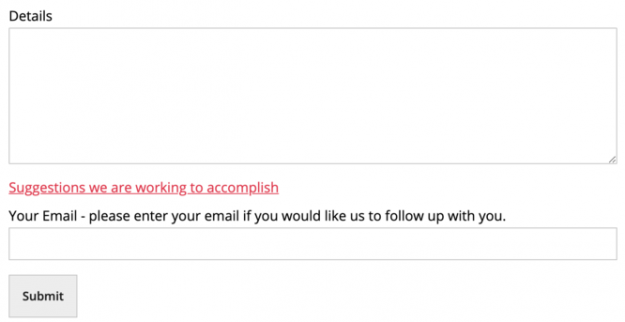
A Contact Form 7 (CF7) form can have much more than just some fields for taking user inputs and a submit button. You can make your form more flavored by adding just the right combination of input fields, paragraphs, links, text, labels, and buttons. In this article, we show you how to add links, paragraphs,…
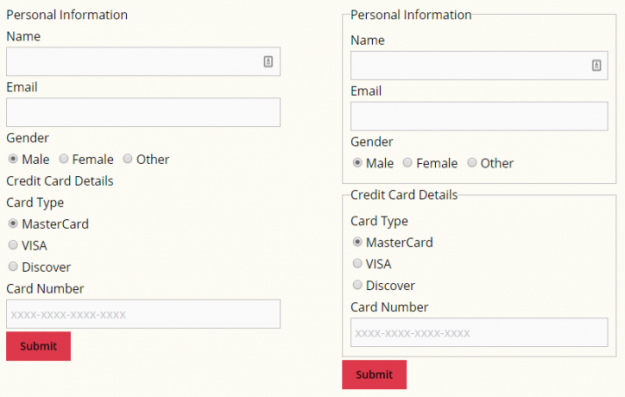
While designing a Contact Form 7 (CF7) form using CF7 Skins, it is recommended to group the form into fieldsets with their respective legends. Use of fieldsets in a form helps you divide the inputs into logical groups. Apart from being a good form design principle, it also helps the users fill out the form…
Your forms are one of the main sources of direct communication between you and your users. You should take particular care while designing the Contact Form 7 forms on your website. However, creating a well-designed form is easier said than done. There are many factors that affect a user’s experience while filling out an online…
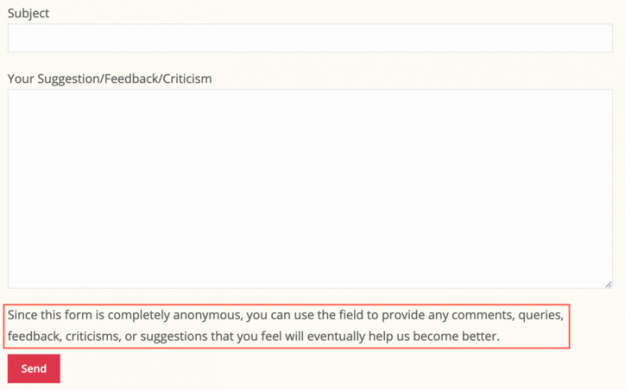
Sometimes adding labels plus placeholders is just not enough to describe the input fields of a Contact Form 7 (CF7) form so that form users can easily understand what input is expected. In those cases, you can add paragraphs in between the fields to tell your users exactly what you require from them or give…
In your Contact Form 7 (CF7) forms, proper addition of links can provide valuable background information to the form inputs. Links can provide additional information either by displaying pop-up panels or by directing your users to other web pages. You can also use links to provide references and connections among the elements in your form.…
This article is about adding paragraphs using the Contact Form 7 form editor. To learn about adding paragraphs using the CF7 Skins Visual Editor, see Adding paragraphs in your Contact Form 7 forms (with Visual Editor). . Sometimes adding labels plus placeholders is just not enough to describe the input fields of a Contact Form 7 (CF7)…
This article is about adding text labels using the Contact Form 7 form editor. To learn about adding text labels using the CF7 Skins Visual Editor, see Adding text labels in your CF7 forms (with Visual Editor). . You can make your Contact Form 7 (CF7) forms more readable & easy to use by adding helpful…